
compile command compiles a Python function into a self-contained binary predictor that runs natively
on server, desktop, mobile, and web.
Usage
Options
Compiling a Function
First, define a Python function with the@compile decorator:
greeting.py
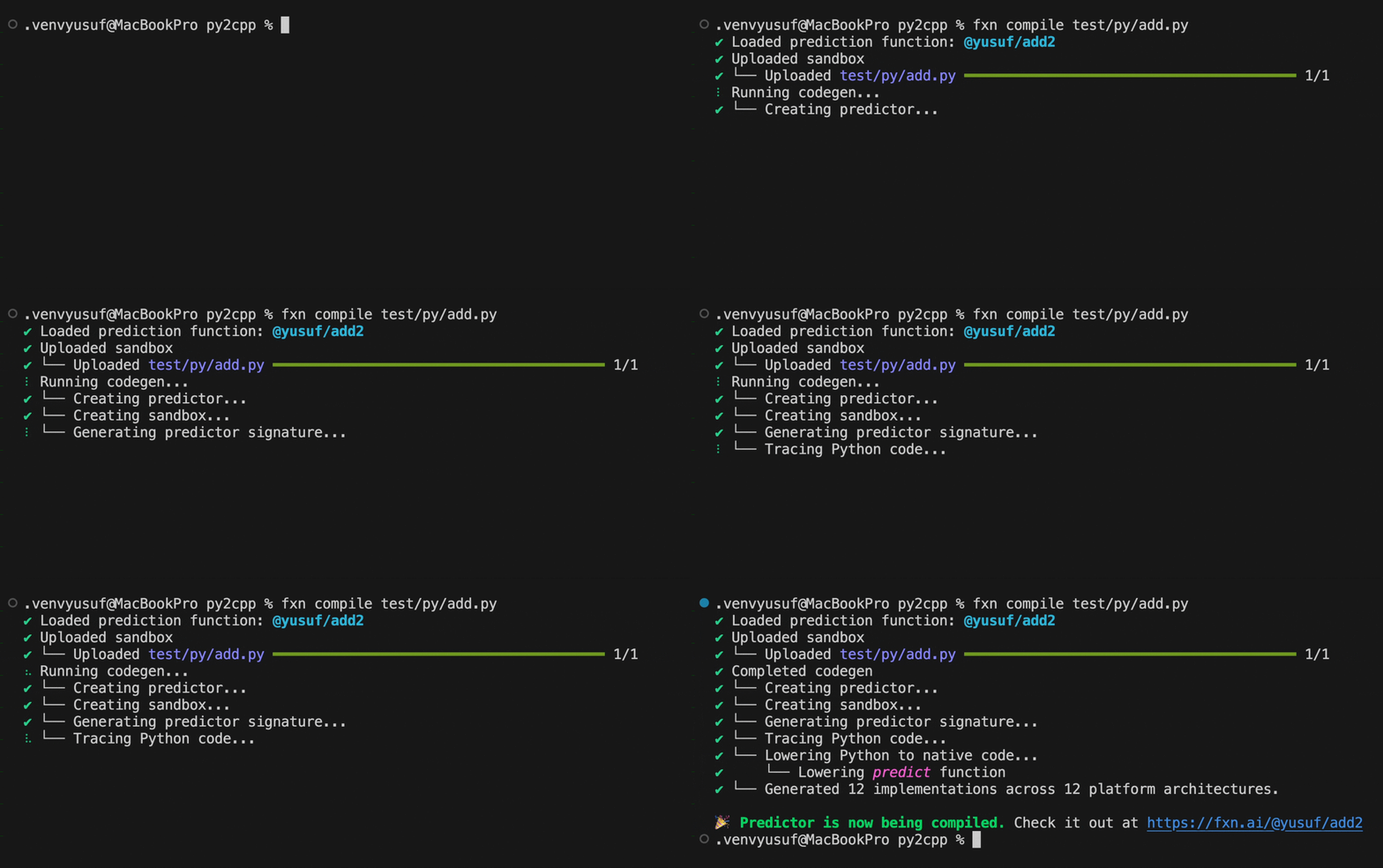
Creating a predictor with the Muna CLI. This is realtime--not sped up.
Overwriting Predictors
If you’ve already compiled a predictor with the same tag, use--overwrite to replace it:
What Happens During Compilation
When you runmuna compile, the CLI:
- Parses your Python source file
- Identifies functions decorated with
@compile - Uploads the source code to Muna
- Performs code generation and transpilation to native C++
- Compiles binaries for all supported platforms
Compilation time varies based on function complexity. Check the status at
muna.ai/predictors.
Next Steps
Defining Functions
Learn how to define compilable Python functions.
Function Requirements
Understand the requirements for compiled functions.